Clone a Class in BrainFit ACP
This feature is for SA, ML
Steps to Clone a Class
- Navigate to BrainFit ACP.
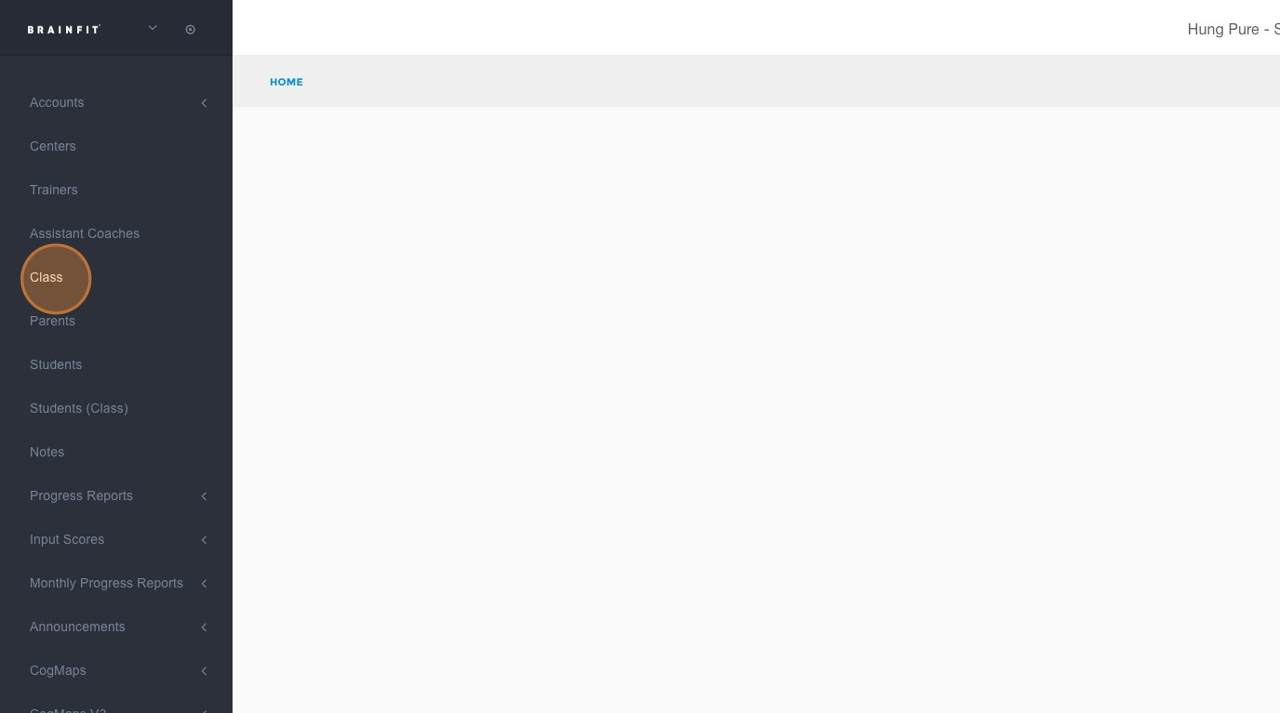
- Click "Class" in the left navigation.
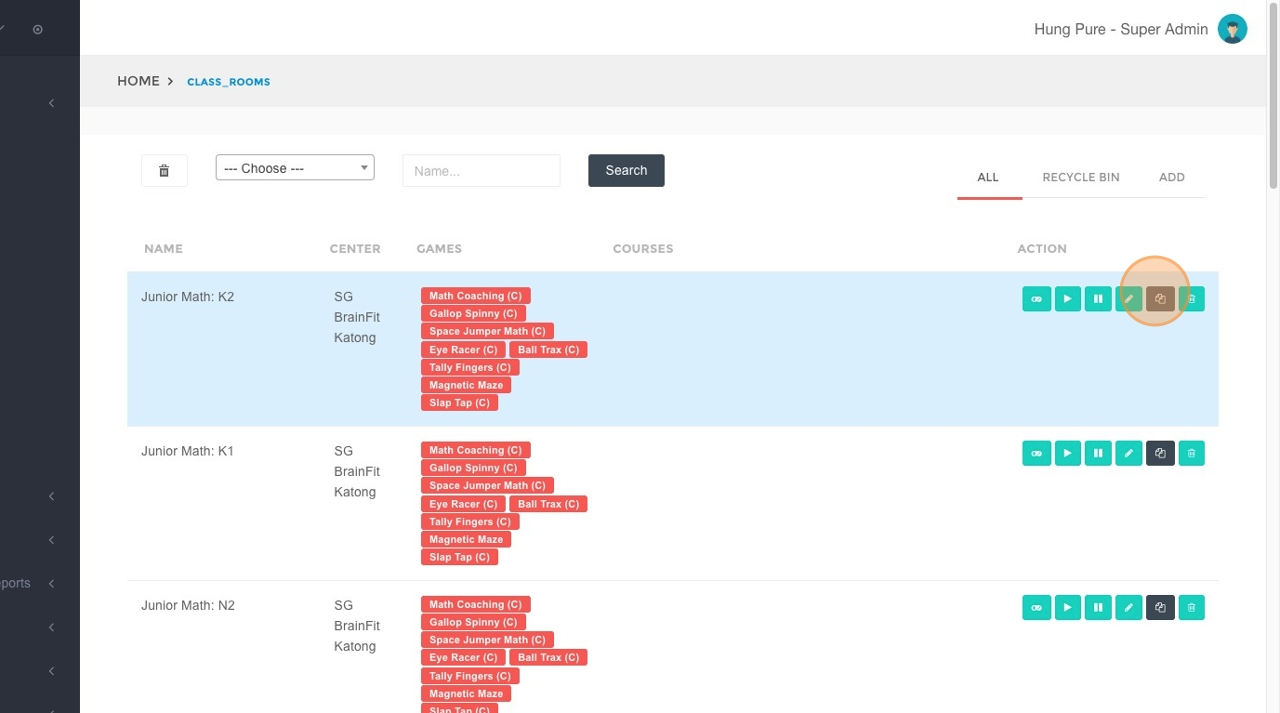
- Locate the class you want to duplicate and click the "Clone (Duplicate)" button.
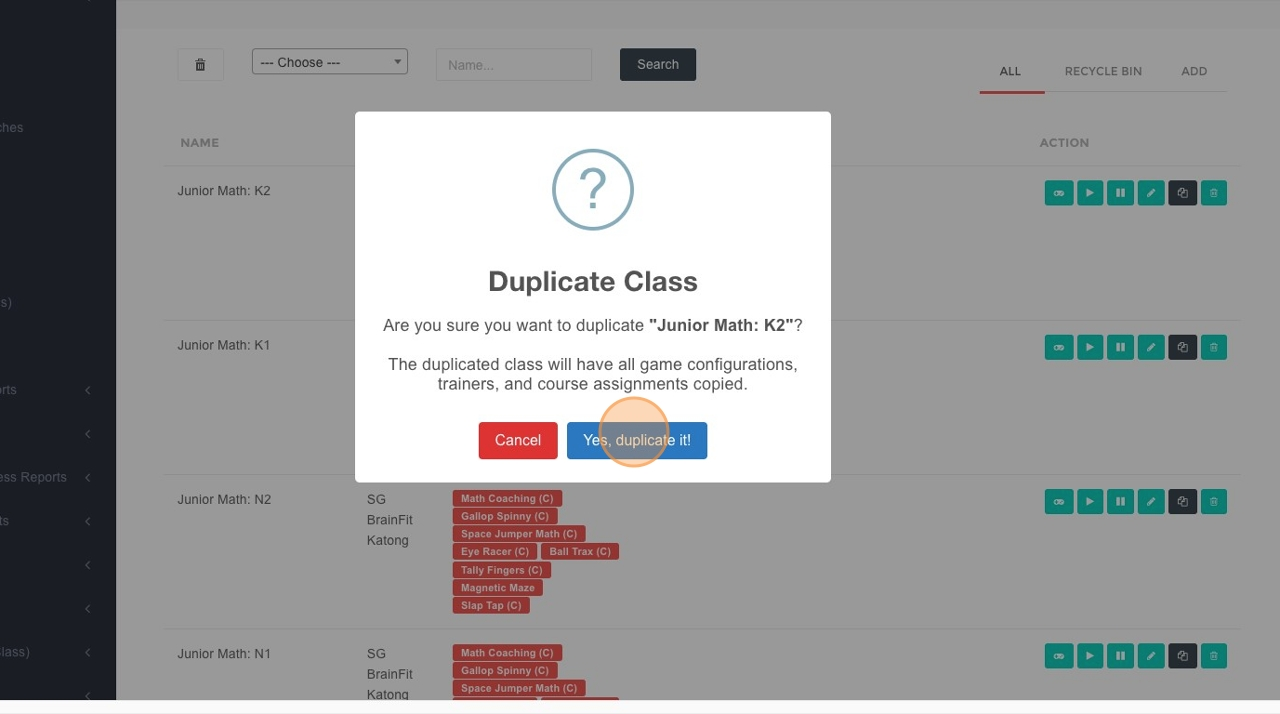
- Confirm by selecting "Yes, duplicate it!".
- Update the class details or enrollment information for the duplicated class as needed.
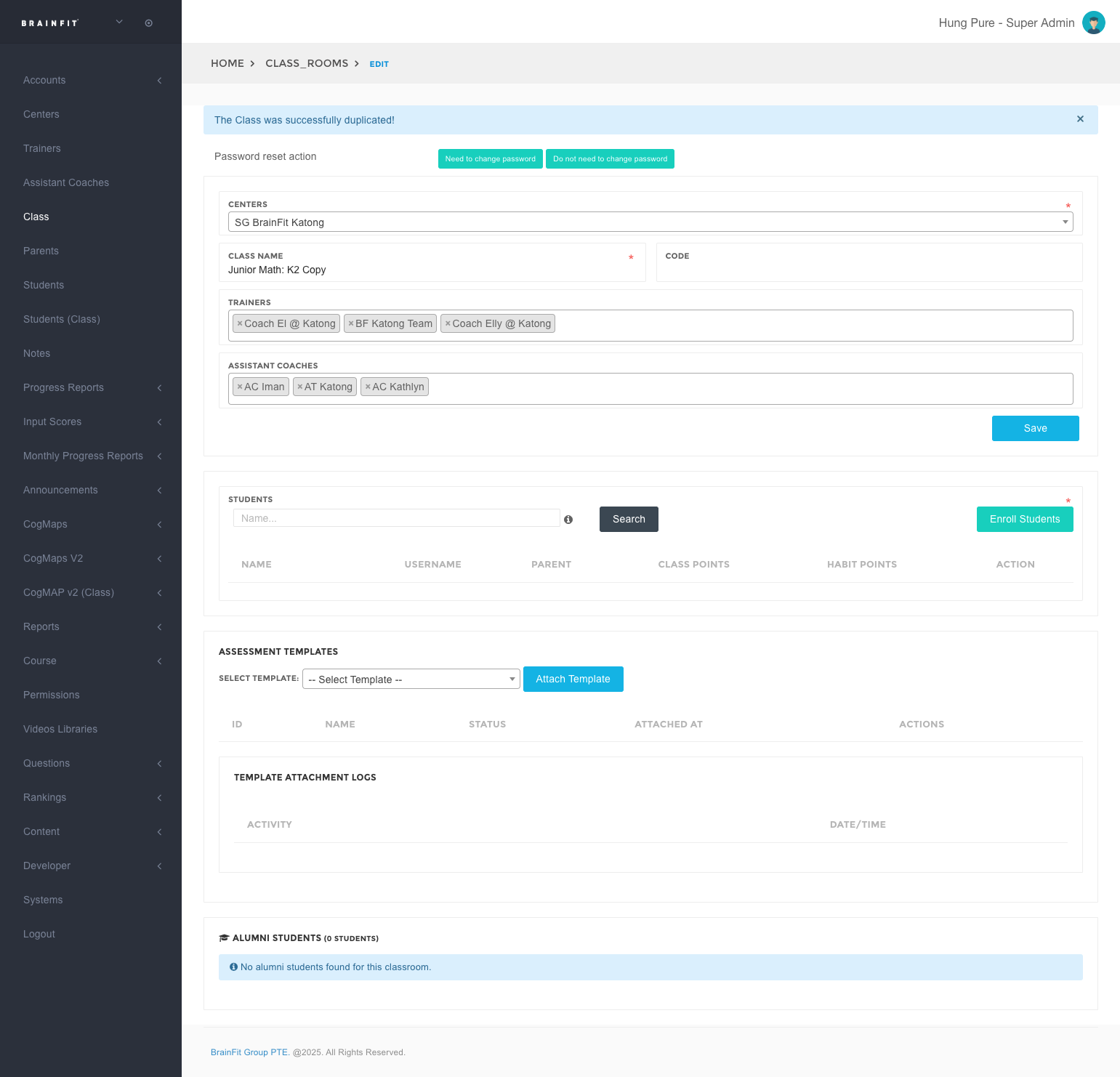
After Cloning
- Review the duplicated class schedule to ensure dates, times, and trainers are correct.
- Make any final adjustments (capacity, enrolled students, notes) before publishing or sharing the schedule.